




Created Jan 07, 2025 - Updated May 13, 2025 |
1 min read
Featured posts
Monetizing your mobile App: basic concepts for new developers
Oksana Vengrovska: “The key driver of mobile growth is a product that meets user needs”
From insights to impact: Harnessing Power BI for Programmatic Advertising
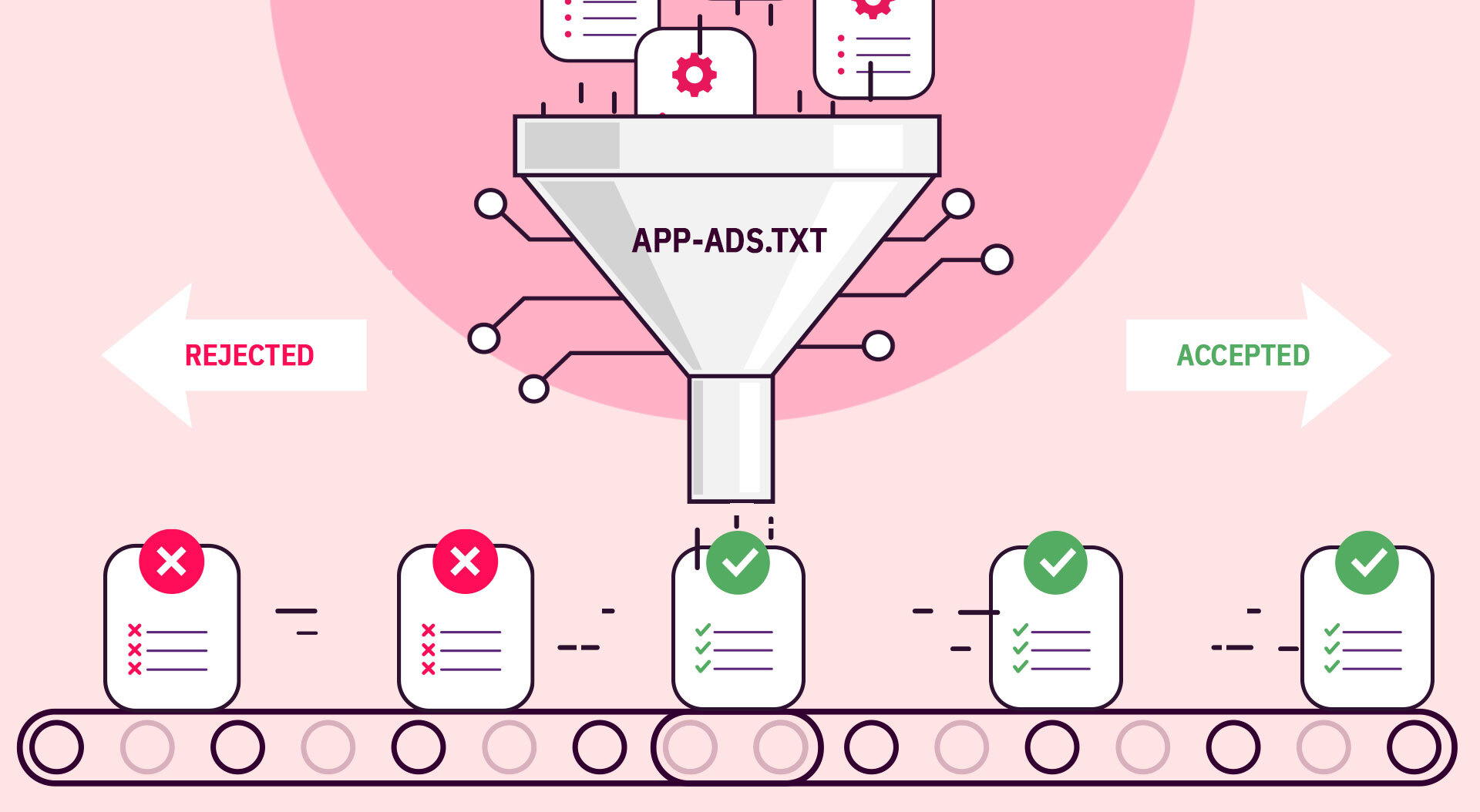
The Inventory Partner Domain feature helps publishers by simplifying ads.txt management.
Instead of manually listing every authorized seller, publishers only need to add one line per demand partner. Demand partners manage their own list of sellers, which reduces the publisher’s workload, speeds up updates, and ensures smoother ad transactions. For demand partners, it’s important to support this feature as it increases efficiency and flexibility.
Glossary
What is the InventoryPartnerDomain record in app-ads.txt?
What is the Inventory Partner Domain?
The Inventory Partner Domain simplifies this process. Instead of listing every individual seller, publishers only need to reference a single domain per demand partner. This points to the demand partner’s domain, where they manage their list of authorized sellers.
How does it work?
Publishers add a line like this to their ads.txt file: inventorypartnerdomain = tappx.com
This line tells the system to check Tappx’s domain for the list of sellers authorized to sell the publisher’s ad space.
Tappx (or any demand partner) manages their list of sellers, saving publishers from manually updating the ads.txt file for each new seller.
Why is this important for Demand Partners?
Supporting the Inventory Partner Domain as a demand partner is essential because:
Efficiency: It makes the industry more efficient by reducing the time and effort required to implement new partners.
Flexibility: It adds flexibility to how ads.txt files are managed, allowing for faster updates and fewer errors.
Compliance: As more publishers adopt this standard, demand partners need to comply to ensure smooth ad transactions.
Personalization: It facilitates the customization of the advertising partner list for each publisher, allowing each one to decide which sellers are included or excluded from the list.
Transparency: It provides publishers with the ability to verify the content of each line in the Inventory Partner Domain within their ads.txt file, ensuring that the agreed-upon conditions with the partner are met and that no lines are introduced without their consent.
And why is it essential for Publishers?
For publishers, implementing Inventory Partner Domain is critical because:
Reduced effort: It significantly reduces the work needed to keep ads.txt files updated, as publishers only need to manage one line per demand partner instead of maintaining a long list.
Improved management: The process of managing ads.txt becomes much simpler, allowing for quicker updates without worrying about every minor change.
What the Inventory Partner Domain Is Not For:
It’s important to use Inventory Partner Domain only for its intended purpose:
Not for identifying the Owner of Inventory: Use the “ownerdomain” parameter for this.
Not for identifying a Partner Exclusively Managing Inventory: Use the “managerdomain” parameter for this purpose.
Example:
Without Inventory Partner Domain, if a publisher works with 3 ad companies, each with 20 sellers, they would need to list all 60 sellers manually. Now, they only need to list the 3 ad companies like this:
inventorypartnerdomain = tappx.com
inventorypartnerdomain = company2.com
inventorypartnerdomain = company3.com
Each company manages its own list of sellers, saving time and reducing errors for the publisher.
Why Did the IAB Introduce This?
The IAB (Interactive Advertising Bureau) introduced Inventory Partner Domain to simplify the process of managing ads.txt files. This feature helps reduce the complexity of managing large lists, making the industry more efficient and reducing the risk of errors.
Lorem ipsum dolor sit amet, consectetur adipiscing elit.
Etiam elit tortor, consequat sit amet ultricies ut, pellentesque a magna. Etiam mattis odio ut nibh pulvinar bibendum. Curabitur porta gravida urna sit amet tincidunt. Etiam sit amet nunc vulputate, blandit mauris sit amet, lacinia arcu. Morbi in orci tincidunt, tincidunt dolor vitae, hendrerit sem. Etiam in suscipit purus. Morbi dignissim vitae nibh ut condimentum.